IPv4 vs IPv6 in Log Files: How to Tell Them Apart and Extract Them
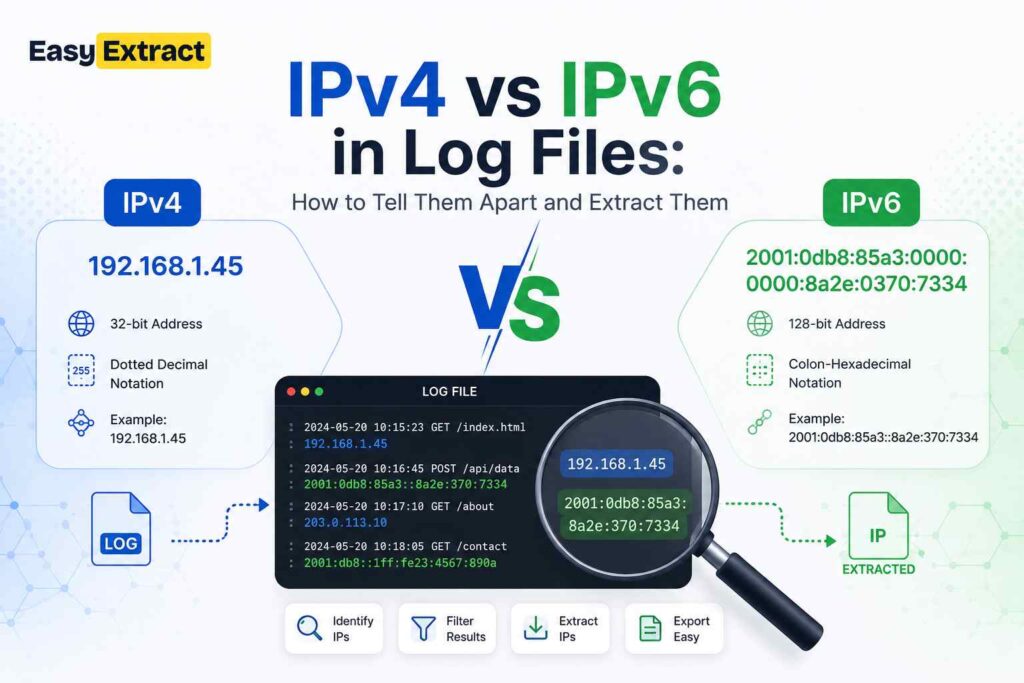
In a log file, an IPv4 address looks like 203.0.113.45 — four numbers separated by dots — while an IPv6 address looks like 2001:db8::1 — groups of hex separated by colons, often shortened with a double colon. Modern servers log both in the same file, which is exactly why pulling clean IP addresses out of logs is fiddlier than it looks. Here’s how to tell them apart and extract them reliably.
The two formats at a glance
| IPv4 | IPv6 | |
|---|---|---|
| Example | 203.0.113.45 |
2001:0db8:0000:0000:0000:0000:0000:0001 |
| Shortened | — | 2001:db8::1 |
| Separator | Dots | Colons |
| Digits | Decimal (0–255 per part) | Hexadecimal (0–ffff per group) |
| Length | 32-bit (4 parts) | 128-bit (8 groups) |
Why both show up in one log
A server reachable over IPv6 will log IPv6 client addresses; the same server still serves IPv4 clients and logs those too. You’ll also see IPv4-mapped IPv6 addresses like ::ffff:203.0.113.45, and IPv6 link-local addresses carrying a scope such as fe80::1%eth0. One access log can contain all of these, mixed line by line.
Why extracting them is harder than it looks
The trap is that a pattern loose enough to match every IP address also matches things that aren’t addresses:
- Version numbers and dates take the same shape as IPv4 —
1.2.3.4from a changelog,10.15.7from a version string. - Impossible octets.
999.1.1.1matches a naive pattern but is not a valid address — each IPv4 octet must be 0–255. - Leading zeros.
192.168.01.1is not valid and is almost always a version number. - IPv6 compression. The
::shorthand means the same address can be written many ways, and hex groups can be mistaken for other identifiers.
A good extractor range-checks every octet, rejects leading zeros, and understands compressed IPv6 — so you get real addresses, not version strings.
How to pull the IP addresses out of a log
Paste the log into the IP address extractor: it matches both IPv4 and IPv6, validates every match, removes duplicates, sorts them, and labels each as public, private, loopback or reserved — which is usually the question that matters, “which of these are actually external?” It runs entirely in your browser, so the log is never uploaded. That’s important, because a single access-log line can carry a session token, an internal hostname and a customer’s IP address — all personal data under the GDPR.
Logs rarely contain only IP addresses. To pull the hardware addresses out of the same file, use the MAC address extractor; for the hashes and checksums in a security log, the hash extractor.
Frequently asked questions
How do I extract all IP addresses from a log file?
Paste the log into a browser-based IP address extractor and it lists every valid IPv4 and IPv6 address, deduplicated and labelled public or private. Nothing is uploaded.
How do I tell an IPv4 address from an IPv6 address?
IPv4 uses four decimal numbers separated by dots (203.0.113.45); IPv6 uses groups of hexadecimal separated by colons, often shortened with a double colon (2001:db8::1).
Why does my regex match version numbers as IP addresses?
Because a version like 1.2.3.4 has the same shape as an IPv4 address. A proper extractor range-checks each octet (0–255) and rejects leading zeros, which filters version strings out.
What is an IPv4-mapped IPv6 address?
An address like ::ffff:203.0.113.45 that represents an IPv4 address inside the IPv6 format — common when a dual-stack server logs an IPv4 client over an IPv6 socket.
Related reading
Last updated: 16 August 2026.